
Run Lifecycle
A run is a single execution instance of a deployed workflow. Each run has its own instance ID, status, and output.
Scripts have no run lifecycle
This page only applies to artifacts with kind: 'workflow'. Functions (kind: 'script') are stateless fetch-only Workers — every HTTP request is a fresh invocation, there's no instance ID, no Runs tab, and pause/resume/terminate are not applicable. Calling POST /workflows/:id/trigger on a script returns 400; invoke the deployed Worker URL directly via HTTP instead. See Workflow IR → Scripts vs Workflows for the discriminator.
Run Statuses
| Status | Description |
|---|---|
queued | The run has been created but the Cloudflare Workflows engine has not started it yet. |
running | Steps are actively executing. |
paused | Execution is paused at a wait_for_event or sleep node. The workflow is durably suspended and will resume automatically when the event arrives or the sleep expires. |
waiting | The workflow is waiting on an internal Cloudflare condition (e.g. between retries). |
errored | A step threw an error that exceeded the retry limit, or an unhandled exception occurred. |
terminated | The run was manually terminated. |
complete | The workflow ran to completion successfully. |
Status Transitions
Creating a Run
Runs are created by triggering the deployed workflow. There are three ways:
1. From the AwaitStep UI
Click Run on the workflow detail page. You can optionally provide a JSON input payload. The UI displays the new run's status in real time.
2. Via the AwaitStep API
POST /api/v1/workflows/:workflowId/runs
Content-Type: application/json

{
  "input": { "userId": "usr_abc123" }
}
Response:
{
  "instanceId": "01JXXX...",
  "status": "queued"
}
3. Via a trigger
If the workflow has an HTTP trigger configured, Cloudflare will start a run for each incoming request. The request body is passed as the workflow input.
Polling Run Status
Poll the status of a run via the API:
GET /api/v1/workflows/:workflowId/runs/:instanceIdResponse:
{
  "instanceId": "01JXXX...",
  "status": "complete",
  "output": { "chargeId": "ch_abc123", "success": true },
  "error": null
}
The output field contains the return value of the last step in the workflow. The error field contains the error message if the run errored.
TIP
The Cloudflare Workflows engine is the system of record for run status. AwaitStep proxies status requests directly to the Cloudflare API — there is no intermediate polling cache.
Paused Runs
A run is paused when it reaches a sleep, sleep_until, or wait_for_event node. Paused runs do not consume CPU or memory. The Cloudflare Workflows engine durably persists the run's state and resumes it automatically:
- sleep — resumes after the specified duration
- sleep_until — resumes at the specified timestamp
- wait_for_event — resumes when an event is sent
Sending an Event to Resume a Run
POST /api/v1/workflows/:workflowId/runs/:instanceId/events
Content-Type: application/json

{
  "eventType": "user-approval",
  "payload": { "approved": true, "approvedBy": "alice@example.com" }
}
The payload is available in the workflow as wait_node_result.payload.
If a wait_for_event node has a timeout configured and the timeout expires before an event arrives, the workflow throws a timeout error and transitions to errored.
Terminating a Run
A run can be manually terminated from the UI or via the API:
DELETE /api/v1/workflows/:workflowId/runs/:instanceIdTerminating a run that is running or paused sends a cancellation signal to the Cloudflare Workflows engine. The run transitions to terminated. Terminated runs cannot be resumed.
Run Output and Errors
Once a run is in a terminal state (complete, errored, or terminated), its output or error message is available in the run detail view and via the API.
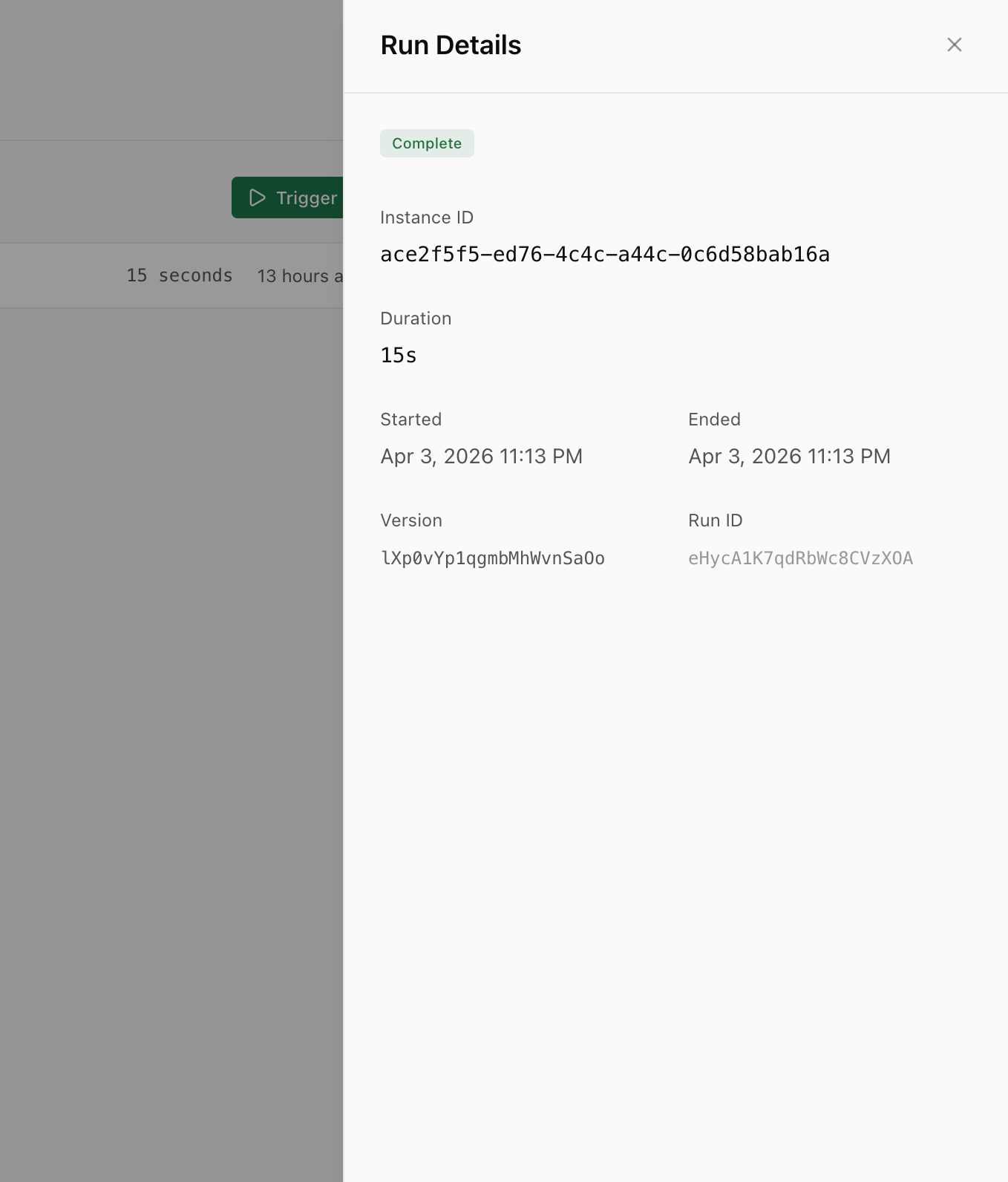
- complete —
outputcontains the serialized return value of the last step. - errored —
errorcontains the error message from the step that failed. - terminated — both
outputanderrorare null.
INFO
Step outputs are persisted by the Cloudflare Workflows engine in durable storage. They survive worker restarts and are available even after the run completes.
Cloudflare Limits Affecting Runs
| Limit | Value |
|---|---|
| Concurrent workflow instances | 1,000 per account |
| Max workflow duration | 1 year |
| Max step CPU time | 15 minutes per step |
| Max step wall time | 30 seconds per step.do() call |
| Max steps per workflow | 100 |
| Max event payload size | 1 MB |
See Cloudflare Limits for details and workarounds.